Creative Programming with Scratch
Animations, interactive stories, games and challenges. Introduces variables, events, conditions and logic in a visual way.
Lab 2 · ProgrammingAges 9–11 · Elementary school
Create video games, content and projects. Scratch, Roblox, Minecraft, creative AI, design, video and visual programming. Projects start to have structure.
Book your free assessment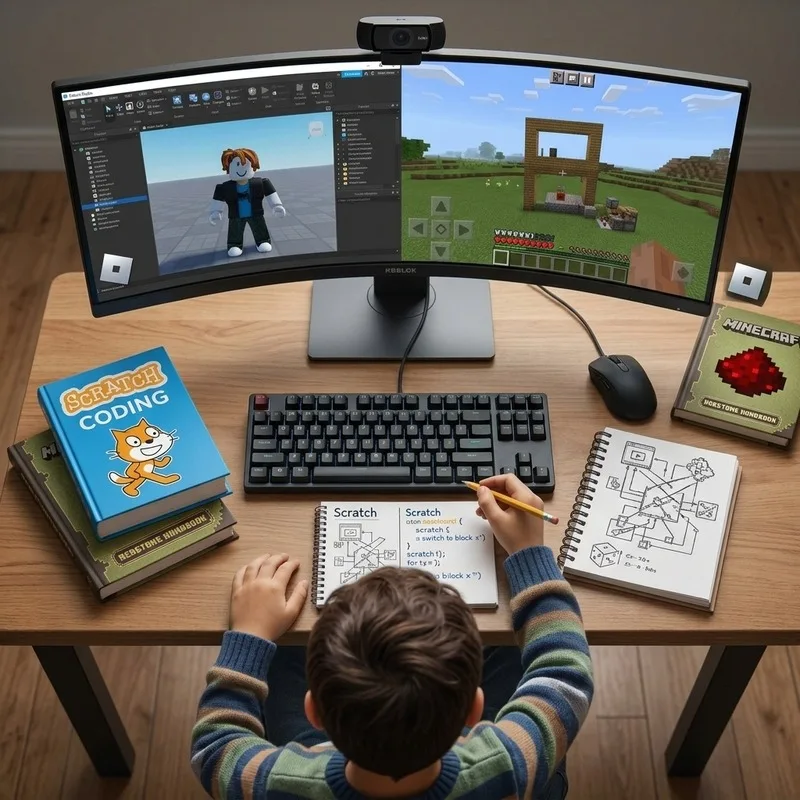
Their path at a glance
Math advances according to their assessment; technology follows this suggested sequence of labs.
Their labs
Animations, interactive stories, games and challenges. Introduces variables, events, conditions and logic in a visual way.
Lab 2 · ProgrammingPlanned building, challenges, logic and programming by age. The game becomes a creation environment.
Lab 3 · ProgrammingDesigning experiences, scenarios, rules, logic and progressive scripting. Goal: go from player to creator.
Lab 4 · ProgrammingWhat AI is, what it can do, its limits, privacy, safety, ethics and responsible use. Hands-on introduction to AI assistants.
Lab 5 · Artificial IntelligenceGenerating and editing images, stories, characters, presentations and content. Human creativity + AI.
Lab 6 · Artificial IntelligenceIdea, script, storytelling, recording, editing, thumbnails and digital formats. Adaptable by age.
Lab 7 · Digital creationComposition, typography, color, visual identity, graphic pieces and portfolio. For teens, responsible digital identity.
Lab 9 · Digital creationThe student brings their skills together and produces a video game, app, content, AI project or automation.
Lab 12 · Digital creationComplementary or in introductory version:
Evidence
Each student builds visible proof of what they learn.
Methodology
Quarterly · Semester · Annual. A development path, not isolated classes.
Other paths