Their very own video game
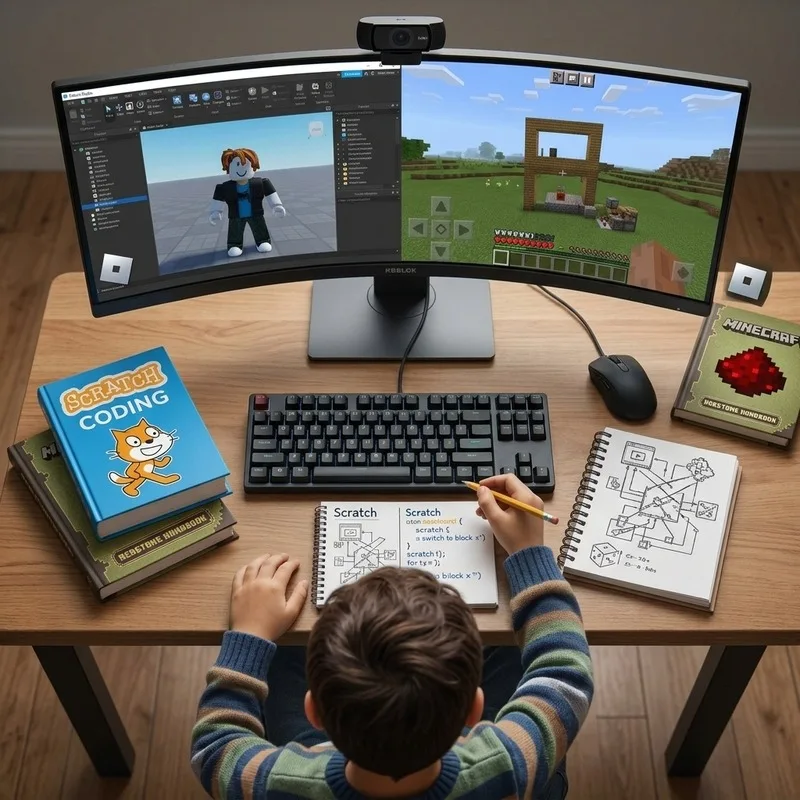
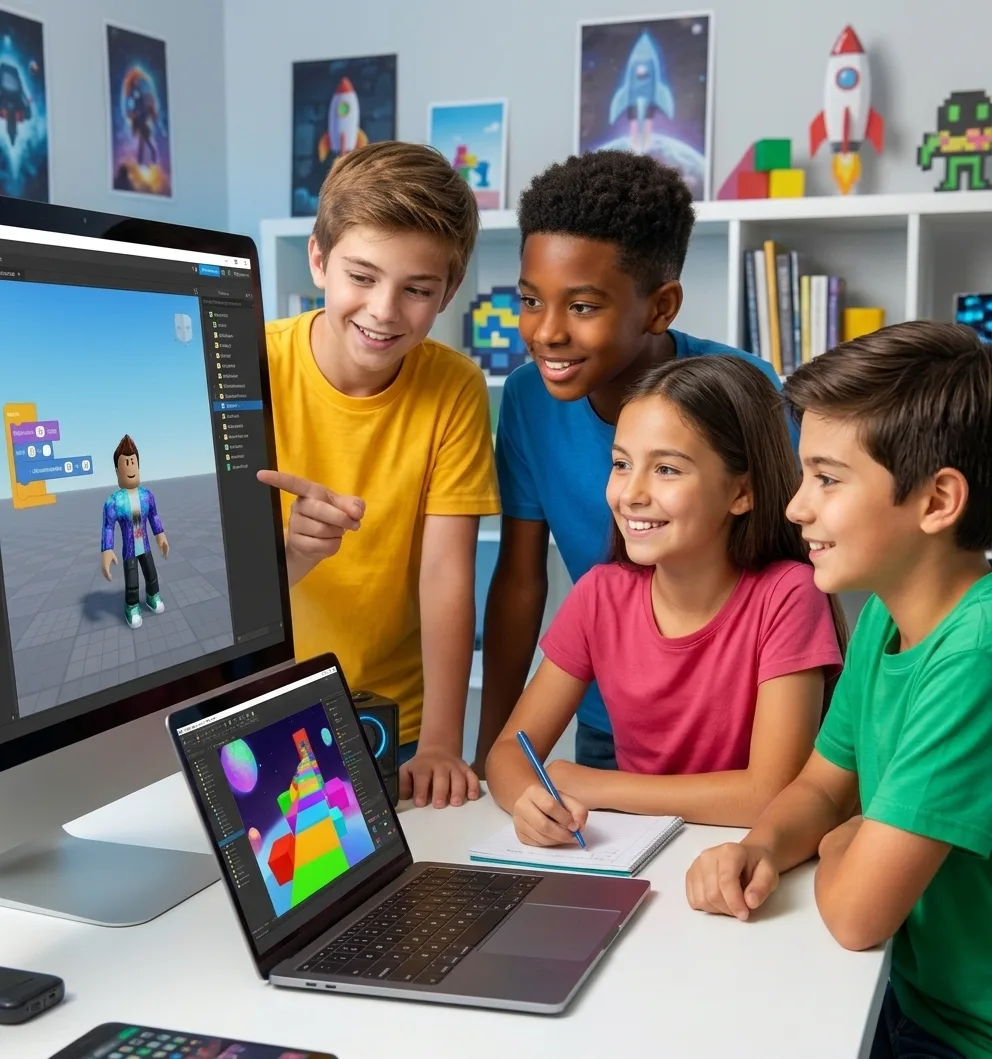
Video Game Creation with Roblox
Live classes for all of Latin America
Math from their real level + programming, Roblox, Minecraft and artificial intelligence. For students aged 6 to 17, in groups of up to 8 (Math) or 12 (tech).
Paths by age
Each path increases the student's technical depth and independence.
Early elementary
Discover, play, create and think.
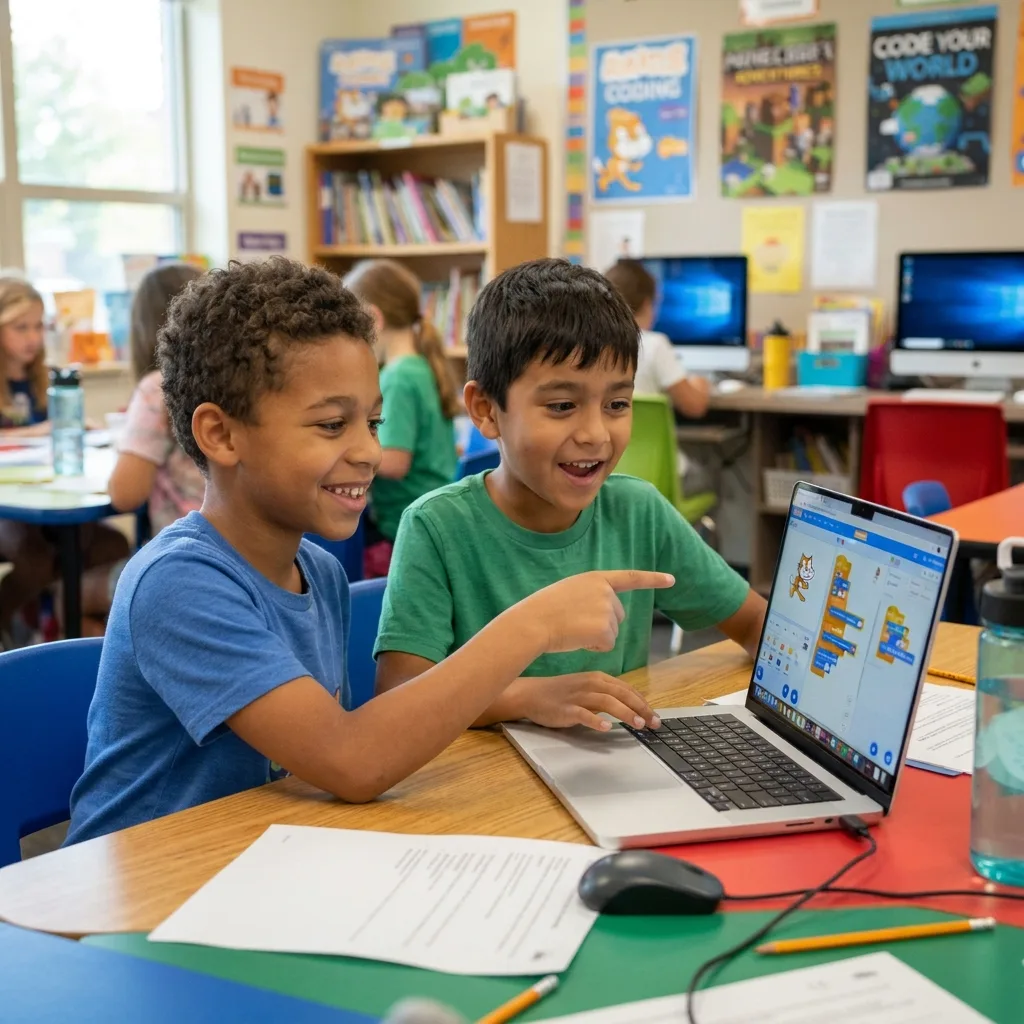
Play, creativity, logic, beginner Scratch, creative Minecraft, stories, digital safety and a very simple introduction to AI take center stage. Python is not a priority.
Result: Logical thinking + first digital experiences
See the Explorer pathSuggested lab sequence
Elementary
Create video games, content and projects.
Scratch, Roblox, Minecraft, creative AI, design, video and visual programming. Projects start to have structure.
Result: Visual programming + digital creation + beginner AI
See the Creator pathSuggested lab sequence
Middle school
Code, experiment and solve.
Roblox Studio, programming, AI, content creation, research, simple automation and beginner Python.
Result: Programming + AI + tech projects
See the Innovator pathSuggested lab sequence
High school and pre-university
Apply technology to real projects.
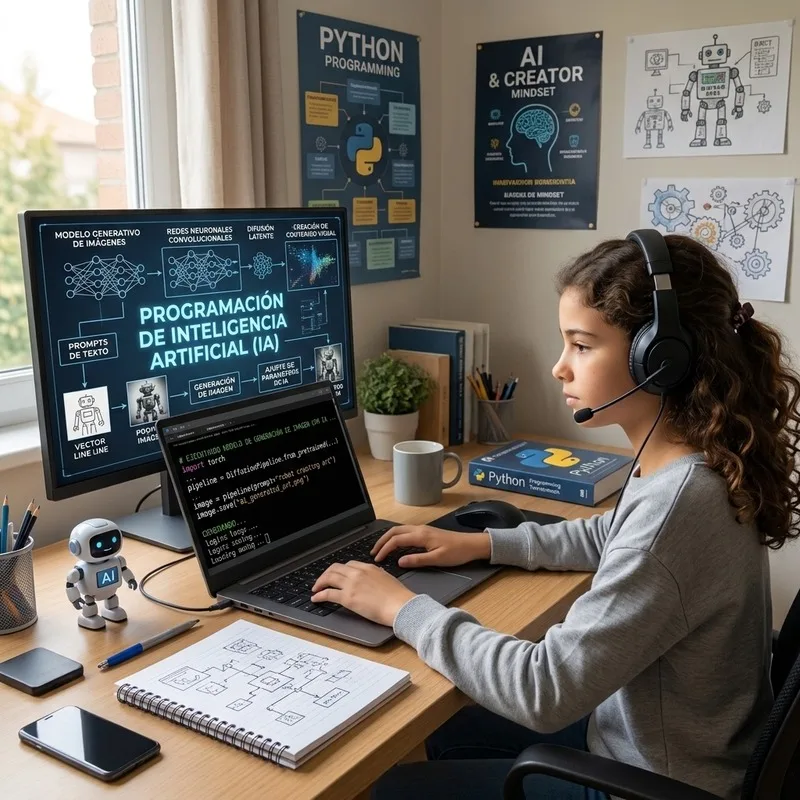
Python, AI, automation, productivity, content creation, information analysis, responsible personal branding and portfolio projects.
Result: AI + Python + automation + portfolio
See the Future pathSuggested lab sequence
Learning by doing
They use the technology they love, with purpose. And every lab ends in a project they can show off.
Video Game Creation with Roblox
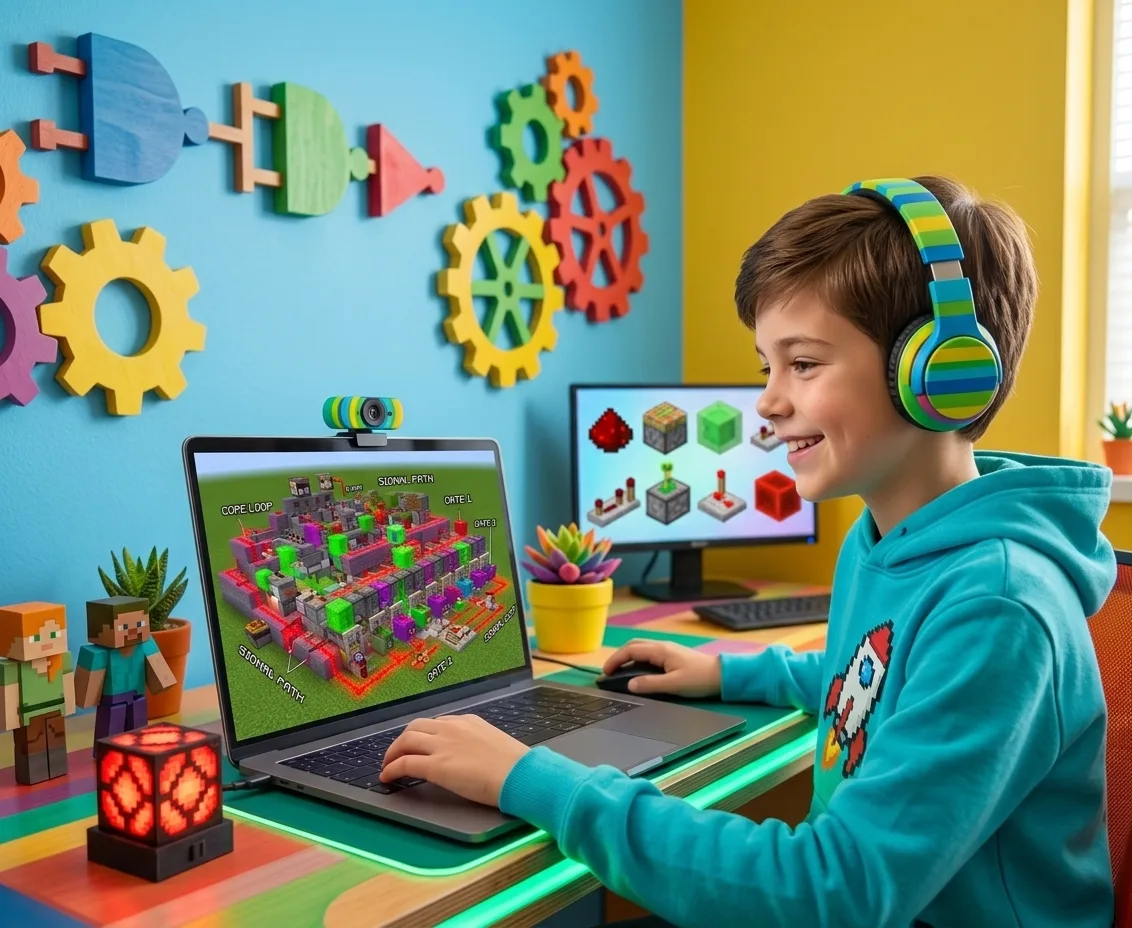
Minecraft: Building, Logic and Programming

Creative AI: Images, Stories and Content
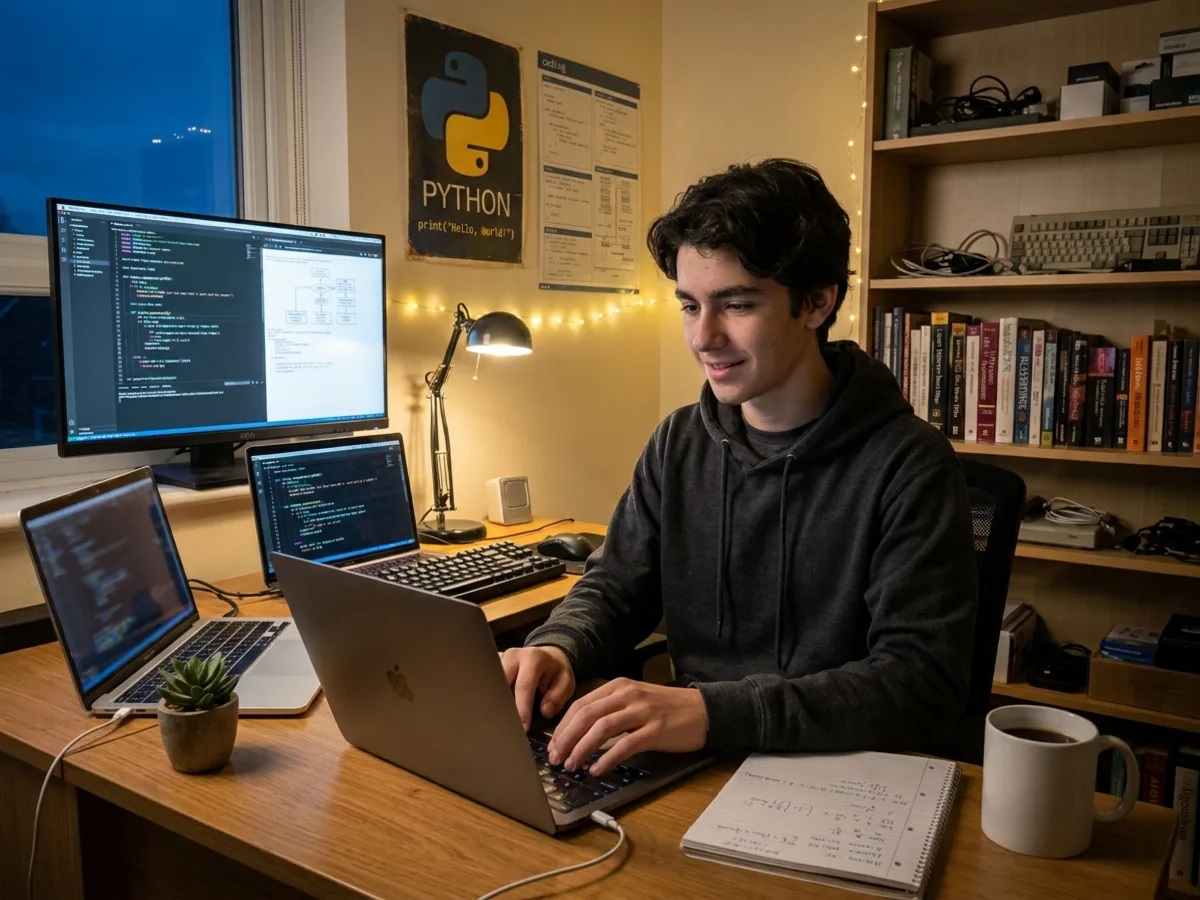
Introduction to Python
Math + technology + AI
Math + technology + AI to develop students who can solve, create and learn.
The backbone. Individual path based on assessment.
A tool for learning, creativity and productivity.
To develop computational thinking.
To produce and communicate ideas.
Concrete evidence of what they've learned.
Real attention for every student.
Math by assessment
Not all students of the same age are at the same point. With a free assessment we place your child at their level, and from there they advance, challenge by challenge.
Find out their level for freeThe Mate Fácil model
Math goes by level (based on the assessment) and technology goes by age. That way, two students of the same age can be at different Math levels and share the same lab.
| Axis | ExplorerAges 6–8 | CreatorAges 9–11 | InnovatorAges 12–14 | FutureAges 15–17 |
|---|---|---|---|---|
| Math | Assessment M1–M4 | Assessment M1–M4 | Assessment M1–M4 | Assessment M1–M4 |
| Programming | Logic + beginner Scratch | Scratch + Roblox + Minecraft | Roblox Studio + beginner Python | Python + automation |
| Artificial Intelligence | Very simple intro + safety | Creative AI (beginner) | AI + research | AI + productivity + analysis |
| Digital creation | Stories and creative Minecraft | Design + video | Content creation | Content + responsible personal branding |
| Projects | Play and creativity | Structured projects | Tech projects | Portfolio projects |

For parents
Live classes · small groups
The teacher shows the challenge in a few minutes.
The student tries it with support.
They build their own version.
They show what they made and get feedback.
At every step: continuous feedback. The teacher facilitates and challenges; they don't monopolize the screen.
12 labs
January – February 2027
Five tech courses and Math by levels to learn by creating this vacation.
See the programHow to get started
A Math assessment to find out your child's starting point.
We explain their level (M1 to M4) and the tech path for their age.
Live classes, challenges and projects from the first week.
Quarterly, semiannual or annual. A development path, not one-off classes.
Frequently asked questions
With a free assessment. The result places the student at a level from M1 to M4, without depending only on their school grade.
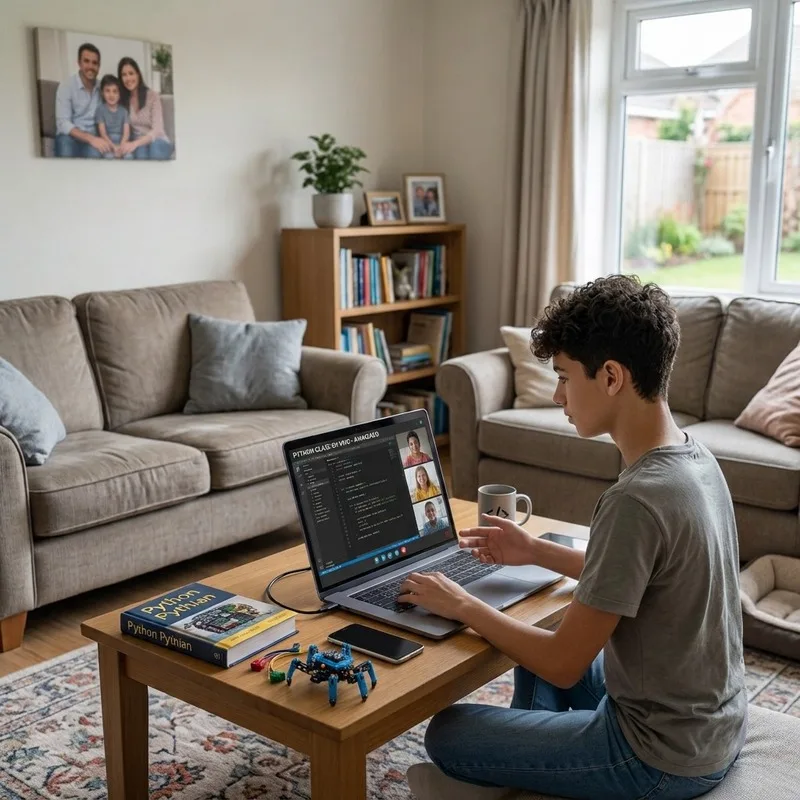
Yes. They are live classes, in small groups, with a virtual whiteboard and digital tools.
Up to 8 students per group in Math and up to 12 in AI and digital skills courses.
From any country in Latin America. Schedules are coordinated according to each family's time zone. [Schedules by country: PENDING]
No. Each path starts from scratch according to age: the youngest with logic and Scratch, the older ones with Python and AI.
We teach AI with a focus on privacy, safety, ethics and responsible use, adapted to each age.
We work with quarterly, semiannual and annual memberships. Write to us and we'll send you the proposal for your country.